



Creating and confirming an account
A new user cannot enter the site before registration and contact confirmation. The form asks for contact details, not documents.
- Open the official PLAYDASH site and select Sign Up.
- Enter a valid phone number or email address and create a unique password.
- Confirm the selected contact method with the code or link you receive.
- Check that the displayed account currency is MYR.
- Make a first deposit when you are ready to play for real money.
No separate username is required. Personal details should still be accurate, because they are compared with identity documents and payment records later. The operator has not confirmed whether the account currency can be changed after registration, so check it before the first deposit and ask support if it looks wrong rather than opening a second profile.
One person may hold one account. Duplicate registrations linked through the same IP address, device or payment method can breach the rules and cost bonus eligibility. Completing the Verification Quest – confirming both your phone number and your email – awards 10 free spins with no wagering and winnings capped at MYR 5. That contact task is not the same as full KYC.
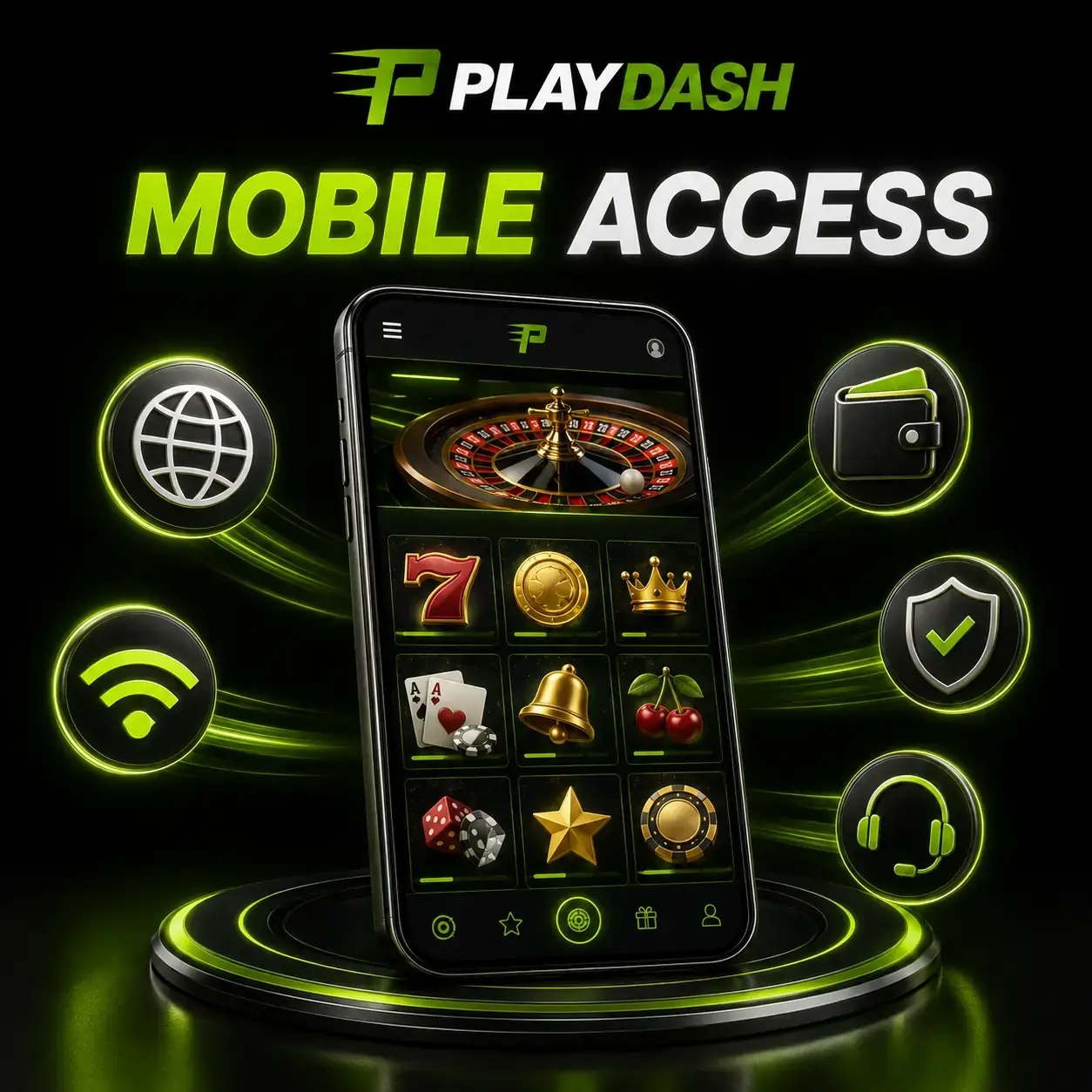
Signing in on desktop and phone
Login uses the registered phone number or email and the account password. The same credentials work on every device.
On desktop, open the verified website, enter your registered phone or email and password, select Log In and enter a confirmation code if one is requested. After login the cashier, promotions, game sections and profile become available. On a phone the process is identical; the site adapts to the smaller screen, so no separate mobile account or mobile registration exists.
Connection and browser settings affect whether the sign-in page loads and keeps a session active. Before signing in, use a stable private connection, allow browser cookies, keep the browser updated, close unnecessary tabs, disable extensions that block essential page elements and check that you are on the official domain. Public Wi-Fi is less predictable, especially during payments.
Open PLAYDASH only through a verified address you have saved or typed yourself. Avoid sign-in links in unknown messages, social posts or advertisements; misspelled or extended domains are a common sign of a fake login page.
What the account shows after you sign in
A successful login opens the cashier, the records, the promotion area and VIP progress. The dashboard you see then is the final source for what applies to your account.
The account area connects every product to one profile, so most routine checks happen in the same place. After signing in you can typically:
- check the available balance and any pending deposits or withdrawals;
- find open and settled sports bets and recent game sessions;
- read the terms of promotions you have activated, such as Weekend Slam or a lootbox;
- follow VIP Target Progress points and the rewards attached to your level;
- update the contact details you are permitted to change;
- open responsible-use controls such as deposit limits or cooling-off.
Offers shown on public pages, including this guide, may not be available to every account. What the logged-in Promotions area and cashier display is what applies to you, and rewards stay attached to the account you signed in with; they do not need a second sign-up or a separate profile. Keep transaction references until the cashier confirms completion, because the account history, not a bank notification, is what support uses to trace a payment.
Recovering access and fixing login problems
Recovery through your confirmed contact is safer than repeated guessing. Most login failures have a simple cause.
If you have forgotten the password, start recovery through the registered phone or email. Before resetting, check the keyboard language, letter case and accidental spaces. If a confirmation code does not arrive, check spam folders, phone signal and that the contact entered at registration is the one you are using.
When reporting a login problem to support, include the registered contact, the time of the error, the device and browser, and a screenshot that does not show your password or confirmation code. Support should never ask for your password, a bank PIN or a one-time code through email, Telegram or live chat.
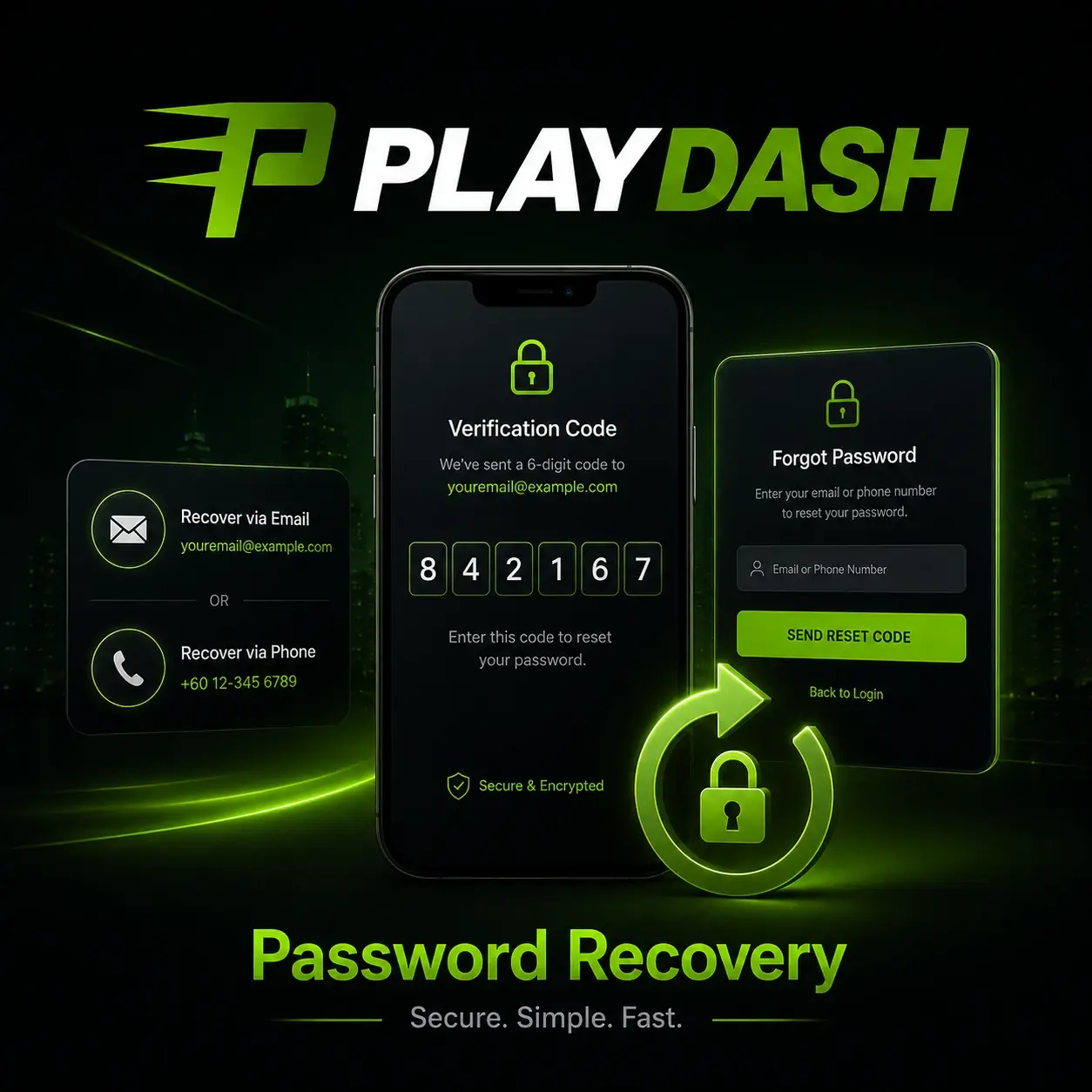
| Problem | Recommended action |
|---|---|
| Forgotten password | Start recovery through the registered phone or email |
| Incorrect details | Check spelling, keyboard language and capital letters |
| Expired code | Request a new confirmation code |
| Sign-in page will not load | Refresh, clear the cache or try another current browser or device |
| Failed verification | Read the support ticket and submit corrected documents |
| Negative balance after a bet recalculation | Deposit at least the missing amount to restore access |
| Continued access failure | Contact 24/7 live chat with the details above |
Verification documents and how to submit them
Full KYC confirms identity, age, location and payment ownership. It is required for withdrawals and certain compliance thresholds, not for registration.
KYC applies to every withdrawal request, when lifetime deposits exceed the equivalent of EUR 10,000, and when suspicious activity is detected. The package can include a photograph of a valid government-issued identity document, a selfie while holding that document, a bank statement or utility bill issued within the previous three months, and evidence that the bank account or wallet you use belongs to you.
Documents can be photographed with a phone, but the text, the image and all four edges must remain visible. Avoid glare, cropping, expired documents and covering any information; names and addresses must match the account. If verification fails, you receive a ticket number and a written reason; submit corrected or replacement documents through the channel support indicates. Legal name, date of birth and payment ownership should always match – that is what makes the first withdrawal quick.
Android and iPhone setup without an APK
PLAYDASH is a mobile-optimised web application. There is no confirmed Google Play or App Store listing and no official APK to install.
-
Android (Chrome)
Open the official site in Chrome, open the browser menu, choose Add to Home screen or a similar option, confirm the name and use the new icon. Menu wording varies by Android version.
-
iPhone or iPad (Safari)
Open the official site in Safari, tap Share, choose Add to Home Screen and confirm. The icon opens the website, not a store app.
A home-screen shortcut looks like an app icon but simply opens the website, so updates appear automatically, no storage is used for a large native app and the same account, balance and history are available on every device. The mobile site gives access to registration and login, slots and live casino, instant games, sports and esports, Promotions, the cashier and transaction history, verification status and support.
Third-party APK directories should be avoided: unofficial files may contain altered login forms, advertising software or malicious code. If an official app is announced in future, verify it through support or a link on the official site. Live streams and graphics-heavy games may load more slowly on older phones; updating the browser, closing unused apps and using a stable private network usually helps.
Playing, betting and paying from a phone
Every section of the platform works in the mobile browser. A few differences in how phones handle games and payments are worth knowing in advance.
Slot and live-table controls are rearranged for vertical screens, with the stake controls and game information kept inside the mobile view; some games are still easier to use with the phone rotated horizontally. Instant games such as Aviatrix, Chicken Road 2.0 and TVBet suit short phone sessions, but their pace makes a fixed stake and budget more important. The sportsbook arranges live markets for vertical scrolling, so you can follow a match and open the bet slip on one screen; recheck the odds in the slip before confirming.
Promotions can be managed entirely from the phone: the welcome pack, Weekend Slam, Daily Highlights and One Day One Loot can be activated, funded and tracked from the mobile Promotions section, including the 24-hour timers. In the cashier, a payment may switch from the browser to your banking or e-wallet app for authentication and then return. That handover is normal and does not mean an app or APK needs to be installed.
Live chat opens from the corner of the mobile interface. Everything works the same whether you open PLAYDASH in a normal browser tab or from a home-screen shortcut; the shortcut does not create a second account, and updated games appear the next time the site loads, without reinstalling anything.
Updating your details and sessions on several devices
The profile has to keep matching your documents and payment methods. Changes to it, and to where you are signed in, deserve a little care.
Your legal name, date of birth and payment ownership should match the documents you will provide for verification. If the registered phone number or email is no longer accessible – a changed SIM, a closed mailbox – contact support through an approved channel rather than registering again. Support may ask for evidence that the account is yours, but it should never ask for the password itself. Using the sign-up page as a workaround for a lost password or contact only creates a duplicate profile, which is itself a breach of the one-account rule.
Being signed in on more than one device may be technically possible, but every session left open is another place someone else could use your account. Log out on devices you no longer use, and check from time to time that the linked email and phone are still under your control. If the account is self-excluded, it remains closed after final settlements; the normal login will not reopen it.
Shared devices and account safety
An operation confirmed with the correct login and password is treated as the account holder’s own action. Technical protection does not replace private credentials.
The operator states that traffic is protected with 256-bit SSL encryption, that passwords are stored encrypted and regular security audits are performed, that bank authentication takes place inside your own banking app and that full card numbers are not stored. Those measures protect the platform side; the habits below protect yours.
- Use a password you do not use for email, banking or social media.
- Protect the registered email account and phone number.
- Never share a password, PIN or one-time code with anyone.
- Do not save the password on a borrowed or shared device, and log out afterwards.
- Use payment methods registered in your own name.
- Review transaction history and report unexpected profile changes immediately.
If another person may have gained access, contact support straight away, ask for the registered email or phone to be changed after identity checks and replace the password. The operator does not accept responsibility for credentials you have disclosed to a third party.
Handing an account issue to operator support
Account, payment and verification questions can only be resolved by PLAYDASH support, not by this guide.
Published operator channels are 24/7 live chat on the website, the Customer Support section in the menu, an official Telegram channel and email routes for general enquiries and complaints. Live chat suits quick account and payment checks; email is more appropriate for complaints and cases that need a written record. Communication is primarily in English.
A useful message contains your registered phone or email, a clear description, the date and approximate time, the transaction ID or game title, the amount if relevant and screenshots with passwords, OTPs and full financial details hidden. Self-exclusion, cooling-off and deposit limits are also arranged with support; the responsible gambling guide explains how they differ.
Questions readers ask
Can I use the same login on my phone and computer?
Yes. The same phone number or email and password work on both, and balances, promotions and history stay connected to one profile.
Is there an official PLAYDASH APK?
No official APK or store listing is confirmed. Use the mobile website and, if you like, a home-screen shortcut.
How do I log out properly on a shared device?
Use Log Out in the account profile, then remove saved credentials and browser data if other people use the device.
I no longer have the phone number I registered with. What should I do?
Contact support through live chat or another approved channel and ask to update the registered contact. You may need to prove the account is yours. Do not open a new account to get around it.
Does a home-screen shortcut need updating?
No. The shortcut opens the website, so changes to the platform and the game lobby load automatically the next time you open it.
Which documents will I need for my first withdrawal?
Typically a valid photo ID, a selfie holding it and a bank statement or utility bill from the last three months, with details matching the account.
A secure account in four checks
Most account problems trace back to one of four things: a contact method you no longer control, a password reused elsewhere, documents that do not match the profile, or a login opened from an unverified link. Fixing those before you deposit saves time at the moment it matters most – your first withdrawal.
- Your registered phone and email are current and confirmed.
- The password is unique and stored only on your own device.
- Your ID and a recent proof of address match the profile.
- You open PLAYDASH from a saved or typed official address.
18+ only. Gambling involves financial risk and never guarantees a return. Set limits before you play.